
How to Start a Newsletter on Beehiiv (Step-by-Step Beginner Guide)
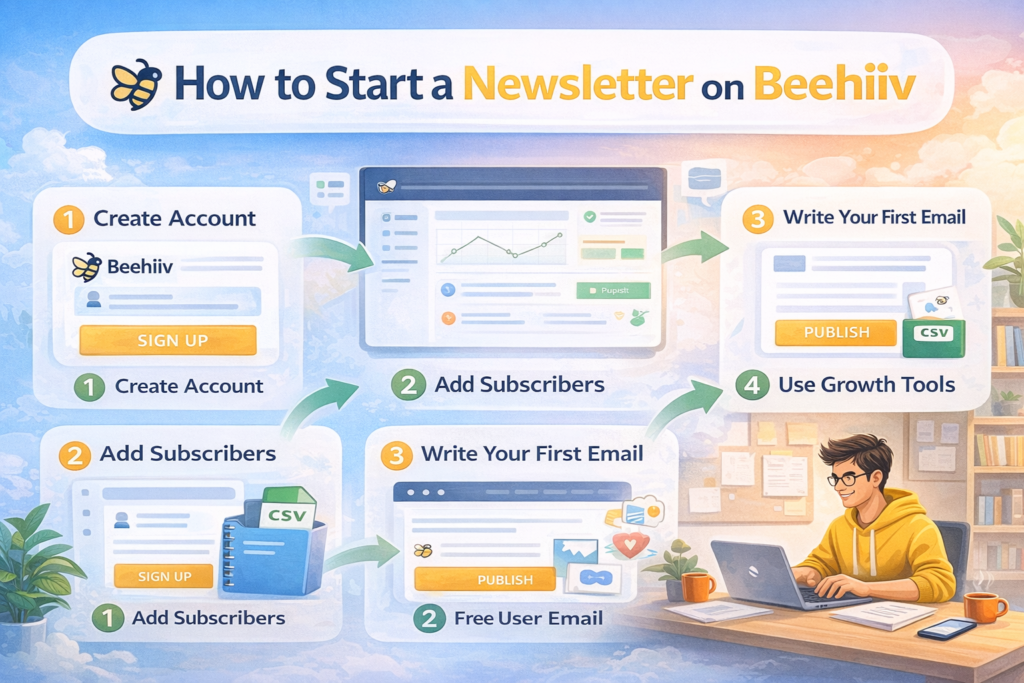
Want to know “How to Start a Newsletter on Beehiiv”? Starting your own newsletter may feel overwhelming, but Beehiiv makes it simple for beginners. If you’ve been thinking about launching your own email newsletter but aren’t sure where to begin, this guide will walk you through the process in a practical, step-by-step way.
From creating your account to sending your first email and growing subscribers, you’ll learn exactly what to do. By the end, you’ll have a fully functional Beehiiv newsletter ready to engage readers and grow your audience over time.
Why Start a Newsletter on Beehiiv?
Before you start a newsletter on Beehiiv, it helps to understand why so many creators choose this platform. Beehiiv is built specifically for newsletter publishers. Unlike traditional email marketing tools that can feel technical and overwhelming, Beehiiv combines writing, growth, analytics, and monetization in one user-friendly system.
Beginners love Beehiiv for several reasons:
Designed specifically for newsletter publishing
Clean, distraction-free writing interface
Built-in referral and growth tools
Monetization through ads and paid subscriptions
No need for separate blog hosting
Beginner-friendly setup
If your goal is to launch quickly without technical stress, Beehiiv makes it easy to get started.
How to Start a Newsletter on Beehiiv Step by Step
Step 1: Create Your Beehiiv Account to Start Your Newsletter
The first step is signing up for a Beehiiv account. After registering, enter your newsletter name, description, primary niche or category, and sender email address. Choose a clear and memorable name that reflects your content and audience.
Step 2: Set Up Branding for Your Beehiiv Newsletter
Branding helps build trust and recognition. Inside Beehiiv, customize your newsletter logo, brand colors, header design, sender name, and reply-to email.
You can also connect a custom domain for a more professional appearance.
Example: yournewsletter.com instead of yournewsletter.beehiiv.com.
Step 3: Set Up Your Beehiiv Newsletter Website
When you start a newsletter on Beehiiv, the platform automatically creates a public website. Readers can subscribe, read past issues, and find your content through search engines.
You can customize:
Homepage layout
About page
Navigation
Typography and colors
For many beginners, this eliminates the need for a separate blog.
Step 4: Import Subscribers into Your Beehiiv Newsletter (Optional)
If you already have an email list, you can import subscribers via CSV files, other platforms, or manual entry. Make sure only to include people who have given permission to receive emails. If you’re starting from zero, simply skip this step.
Step 5: Create and Send Your First Beehiiv Newsletter
Now it’s time to write your first issue. Beehiiv’s editor lets you add images, links, and embedded content. Preview your email before sending.
For your first email:
Introduce yourself
Explain what readers will receive
Set expectations for frequency
Clear communication builds trust with your audience.
Step 6: Set Up a Welcome Email in Beehiiv
A welcome email is sent automatically when someone subscribes. Include a thank-you message, introduce your newsletter, explain what to expect, and share useful resources. Welcome emails help improve engagement from day one.
Step 7: Create Subscription Forms to Grow Your Beehiiv Newsletter
To grow your audience, use signup forms. Beehiiv allows you to create embedded forms, pop-ups, landing pages, and shareable signup links.
Place these forms on your website, social profiles, and content platforms.
Step 8: Use Beehiiv Growth Tools to Expand Your Audience
Beehiiv includes built-in growth tools:
Referral Program: Reward subscribers for inviting others
Recommendations: Promote other newsletters and get recommended in return
Boosts Marketplace: Acquire subscribers through paid promotions
These tools help you scale your newsletter without complex marketing systems.
Step 9: Monetize Your Beehiiv Newsletter (Optional)
Once your audience grows, you can monetize your newsletter with paid subscriptions, advertising, or premium content. Focus on providing value first—monetization can come later.
Step 10: Analyze and Improve Your Beehiiv Newsletter Performance
Track open rates, click rates, subscriber growth, and referral performance. Use this data to refine subject lines, content style, and publishing frequency. Consistency leads to compounding growth over time.
Tips for Growing Your Beehiiv Newsletter Faster
Publish consistently
Promote on social media
Offer valuable free content
Create referral incentives
Collaborate with other creators
Optimize your signup page
Growth takes time, but consistent effort pays off.
Common Mistakes When Starting a Newsletter on Beehiiv
Avoid these beginner mistakes:
Sending emails without a schedule
Importing unverified email lists
Ignoring welcome emails
Not promoting signup pages
Overcomplicating the first issue
Start simple and improve gradually.
Is Beehiiv Good for Beginners?
Yes. Beehiiv is one of the easiest platforms for launching a newsletter. The interface is simple, setup is fast, and most growth tools are built-in. You don’t need technical skills or marketing experience.
Final Thoughts on How to Start a Newsletter on Beehiiv
By following this step-by-step process, you can launch your newsletter confidently. Publish content, grow subscribers, and eventually monetize your audience. Stay consistent, focus on value, and over time, your results will grow.
Further Reading:
Beehiiv vs ConvertKit (2026): Which Newsletter Best for Creators?
FAQ
How long does it take to start a newsletter on Beehiiv?
Most people can set up a basic newsletter within an hour.
Do I need a website to use Beehiiv?
No. Beehiiv provides a built-in newsletter website automatically.
Can beginners use Beehiiv?
Yes. Beehiiv is designed for creators with no technical experience.
Can I switch to Beehiiv from another platform?
Yes. Beehiiv allows subscriber imports from other email tools.
© 2026 All Rights Reserved.